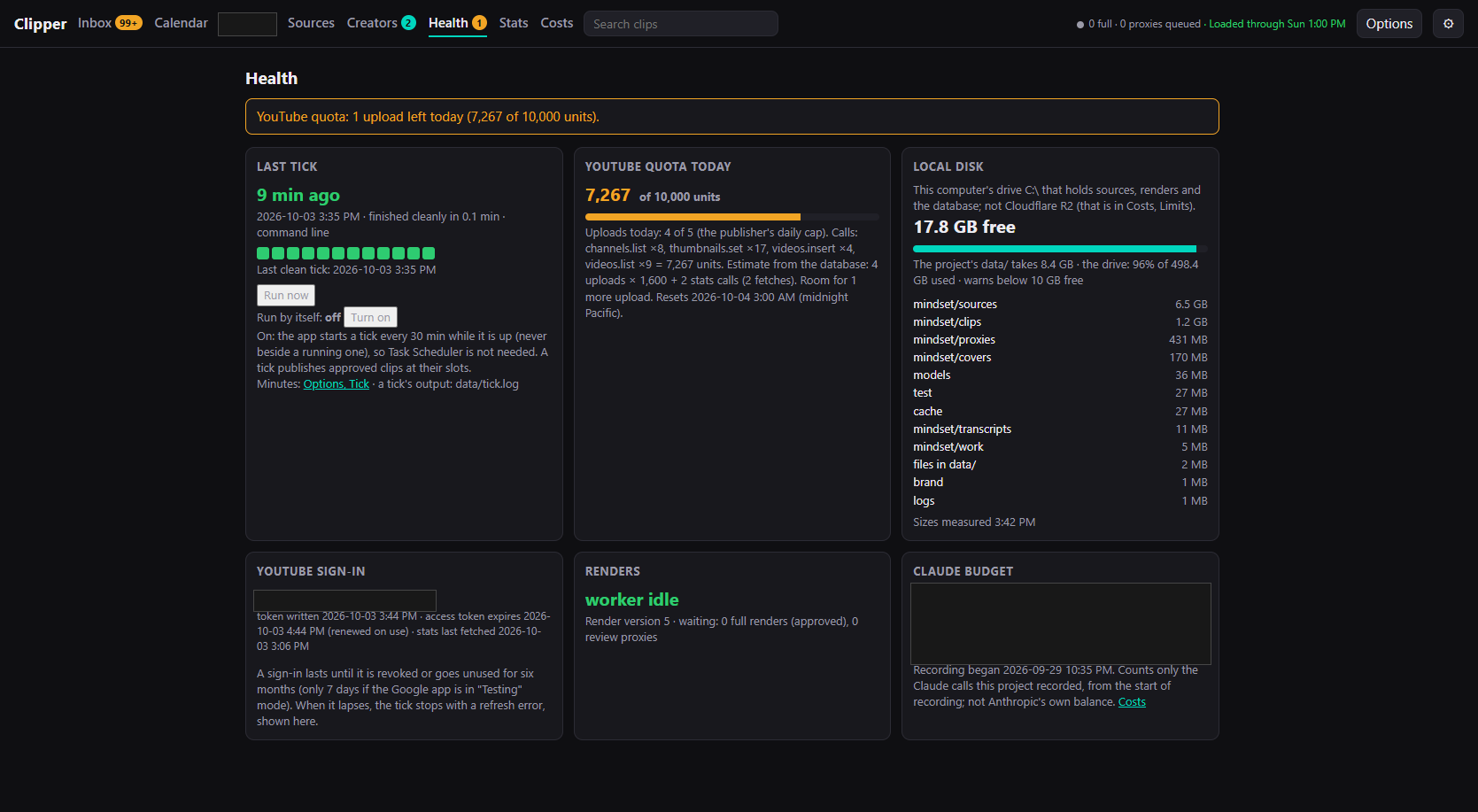
The first build shipped Clipper Overlord with an architecture diagram and no screenshots, because every screenshot of the app showed creator handles, the channel name, and a running spend figure. The Permit Notification landing mockup was held back too, since its lower half listed proposed price tiers.
The ruling
The owner looked at the list and cleared the Clipper screenshots and the landing page, with redactions: handles, channel names, anything with a dollar amount, and the proposed tiers. The other held-back items stay out.
How it is done
A short Python script using Pillow draws opaque boxes over fixed coordinates in each source screenshot and writes the result into the site’s assets folder. Solid blocks rather than blur, because blurred text can sometimes be read back. The Permit landing page is cropped above the pricing section instead of boxed, since a black slab at the bottom of a mockup would look like a mistake.
Nine images went in: the Clipper Inbox, cover editor, calendar, Health, and Stats pages, the Google consent and access screens, the owner-flow diagram, and the Permit landing hero. The source files in the project repos are untouched. The script lives in the Chronicles repo so the next batch follows the same rules.